
Gitbook 테마
이전 문서: Gitbook 테마 게시일: 2023-6-27 마지막 편집: 2024-9-12 원래 분류: ⭐ 테마 매개변수
테마 미리보기
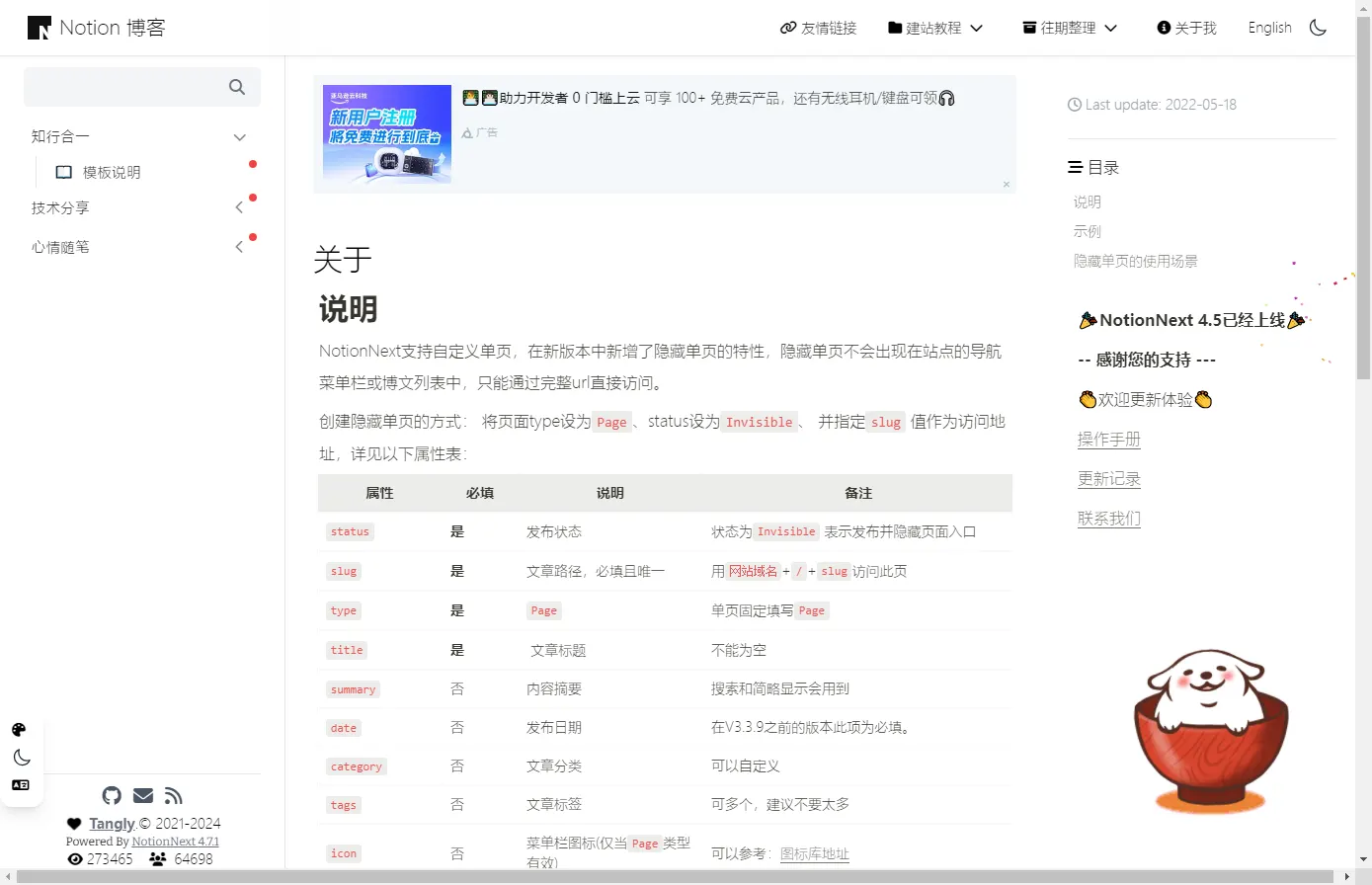
Gitbook 테마 설명
💡 V4.4.4 2024-04-25 업데이트 왼쪽 내비게이션 바는 자동 접기를 지원합니다. 글 내비게이션에서 한 폴더를 펼치면 다른 폴더는 자동으로 접혀 한 번에 하나만 펼쳐지므로 문서를 읽기 편합니다.
아래 문서를 참고할 수 있습니다.
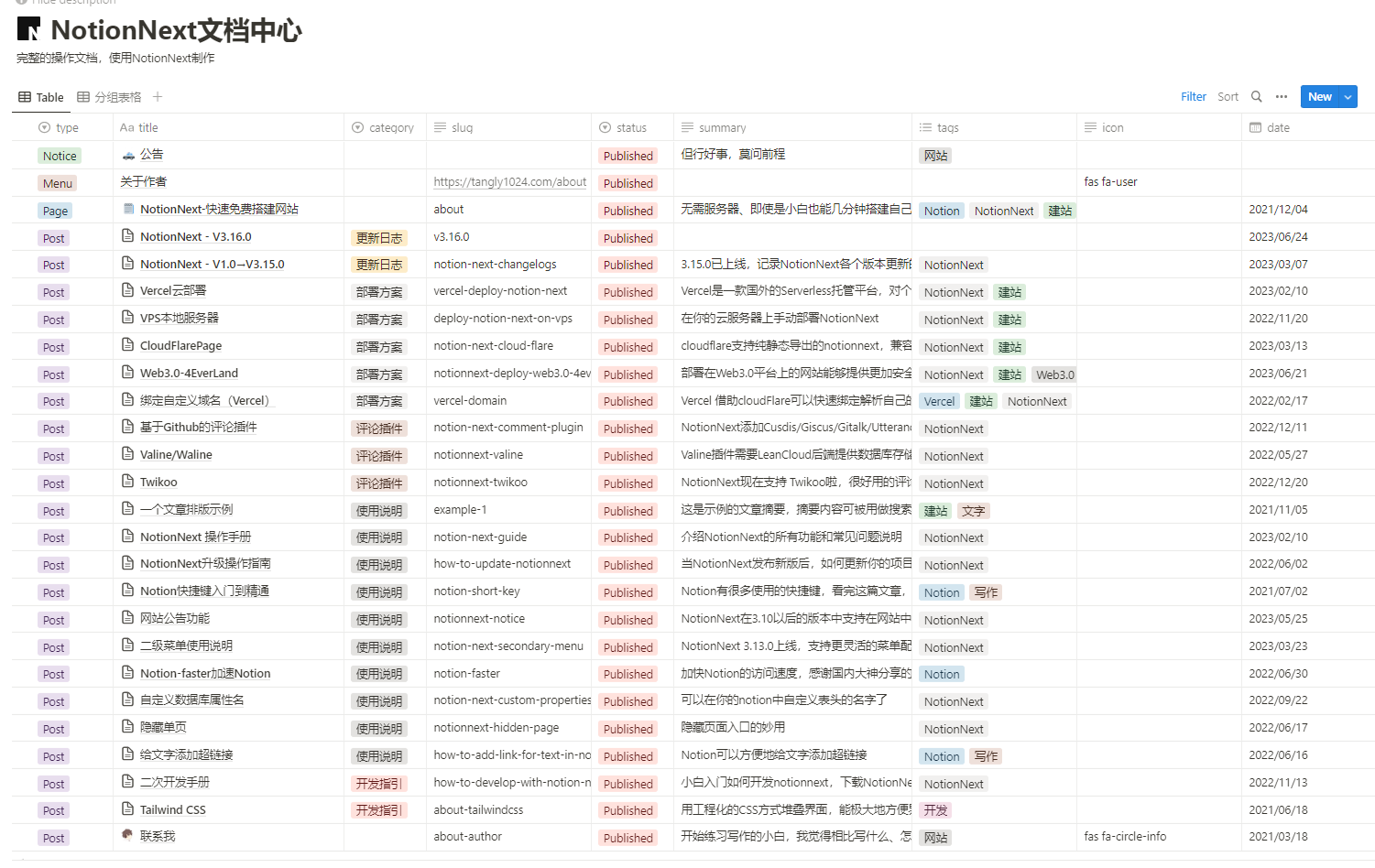
세 가지 주의 사항
왼쪽의 1단계 제목은
Category(분류)로 제어합니다.전체 문서의 홈페이지로 사용할
slug=about인 소개 페이지를 만들어야 합니다.정렬: 사이트에 자동 정렬 기능이 켜져 있으면 분류명이 같은 콘텐츠를 우선 묶고, 분류가 없는 글은 상단에 배치합니다. 정렬을 직접 조정하려면
GITBOOK_AUTO_SORT를 끄고 Notion에서 글을 드래그해 순서를 바꾼 뒤 같은 분류의 글을 서로 가깝게 배치하세요.
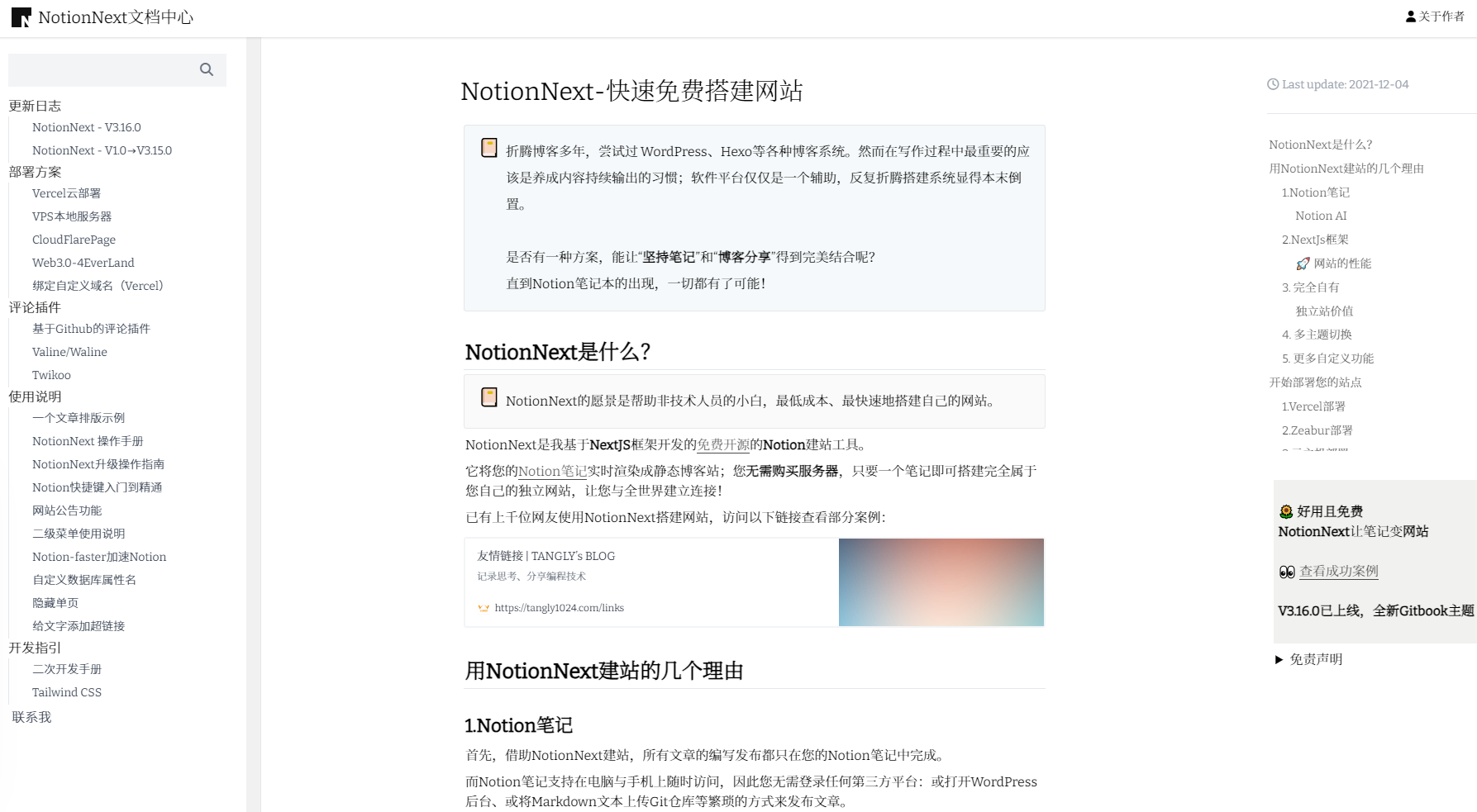
Gitbook이 지원하는 관련 설정
JavaScript
const CONFIG = {
  GITBOOK_INDEX_PAGE: 'about', // Article shown on the documentation home page. Make sure this path exists in your Notion database.

  GITBOOK_AUTO_SORT: process.env.NEXT_PUBLIC_GITBOOK_AUTO_SORT || true, // Whether to group and sort articles automatically by category name. Automatic grouping may change the order from Notion.

  GITBOOK_LATEST_POST_RED_BADGE:
    process.env.NEXT_PUBLIC_GITBOOK_LATEST_POST_RED_BADGE || true, // Whether to show a red dot for the latest articles

  // Menu
  GITBOOK_MENU_CATEGORY: true, // Show categories
  GITBOOK_BOOK_MENU_TAG: true, // Show tags
  GITBOOK_MENU_ARCHIVE: true, // Show archives
  GITBOOK_MENU_SEARCH: true, // Show search

  // Exclusive collapse for article navigation
  GITBOOK_EXCLUSIVE_COLLAPSE: true, // Expand only one category at a time. Other folders close automatically.

  // Widget
  GITBOOK_WIDGET_REVOLVER_MAPS:
    process.env.NEXT_PUBLIC_WIDGET_REVOLVER_MAPS || 'false', // Map widget
  GITBOOK_WIDGET_TO_TOP: true // Back to top
}
export default CONFIG